Key Takeaways#
- Angular 9 is here now.
- Angular Material 9 is ready as well.
- Reusable starter project
Summary#
Ng-Crm > A reusable CRM starter project for real-world business based on Angular 9, Angular-Material 9.x.
This project was generated with Angular CLI version 9.x. The goal of this project is to create reusable project for real-world business. To achieve this target, we need a solution which includes simple authentication process, restful API feature with token support and simple but elegant UI design.
Features#
- This project is built on the top of AngularClass/Angular-Starter.
- The UI part of this project is comprehensively built on Angular Material.
- This project includes ng-charts.
To simulate real-world business, this starter project chooses Json-Server as fake Restful API. (You can simple replace it with your own API).Fake API is just readonly fake service.
Live Demo#
Demo App: The demo is just a proof of concept. It doesn’t have back-end API and all features of master branch.
Build & Setup#
# Clone project
git clone https://github.com/harryho/ng-crm.git


# Install Angular CLI
npm install -g @angular/cli

# prepare Json-Server as fake Restful API
cd ng-crm


# Install the packages with npm
npm install


# Start the app with npm
npm start
# Or use ng
ng serve

# Test with npm
npm run test
# Or use ng
ng test


# build for production
npm run build --prod=true

# run as production
install -g serve
serve distDocker#
## Run / Test release without building new image
npm run build

# Launch nginx image to test latest release
docker pull nginx:alpine
docker run -p 8080:80 -v \
    <your_aboslute_path>/dist:/usr/share/nginx/html nginx:alpine


# Build release image
docker build . -t  nc-prd:2.0

# Launch the development image in the backgroud
docker run -d --publish 8080:80  --name nc2 nc-prd:2.0

# Check the log
docker logs nc2  -f
Welcome to fork or clone!#
For detailed explanation on how things work, checkout following links please.
Structure of ng-crm#
├── angular.json            <-// configuration of dev or prod
├── config
│   └── nginx.conf         <-// nginx config for deployment
├── src
│   ├── app
|   |   +---_gurad               <-// auth guard for authentication
|   |   +---_models              <-// common models for whole app
|   |   +---_services            <-// common services for whole app
|   |   +---about                <-// about component
|   |   +---customer             <-// customer component
|   |   +---dashboard            <-// dashboard component
|   |   +---notfoundpage         <-// notfoundpage component
|   |   +---login                <-// login component
|   |   +---order                <-// customer component
|   |   +---root                 <-// root component
|   |   +---shared               <-// common component for whole app
│   │   ├── app-routing.module.ts
│   │   ├── app.component.html
│   │   ├── app.component.scss
│   │   ├── app.component.spec.ts
│   │   ├── app.component.ts
│   │   ├── app.module.ts
│   ├── assets               <-//   images  and css from third parties
│   │   └── img
|── Dockerfile               <-// project comes with docker
├── tsconfig.app.json
├── tsconfig.json
├── tsconfig.spec.json
└── tslint.json
|__ ....Screenshots#
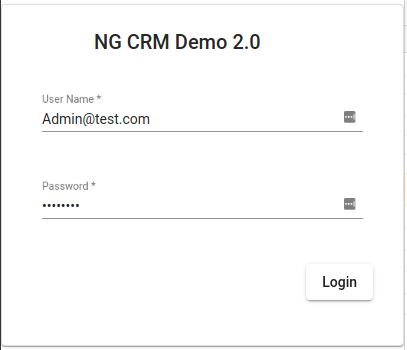
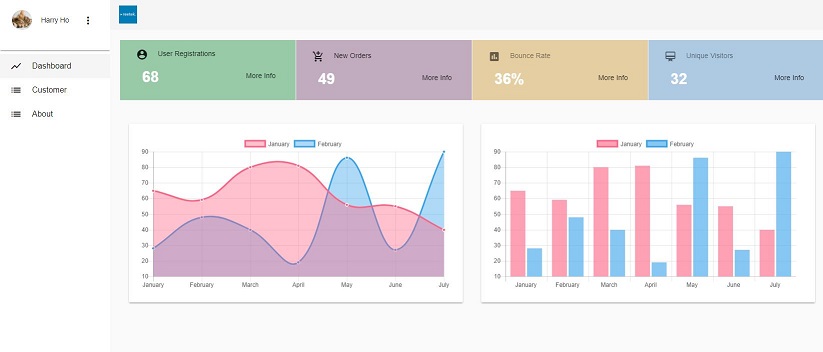
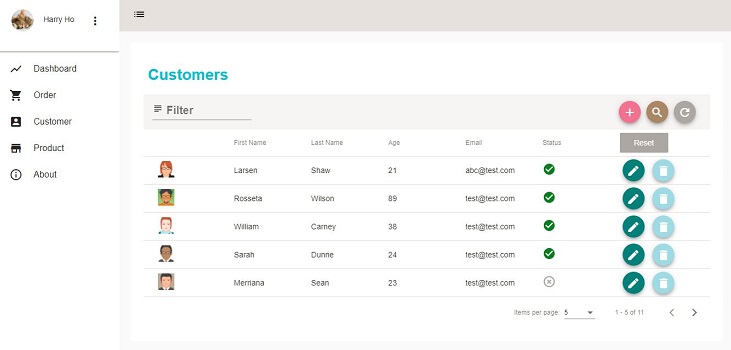
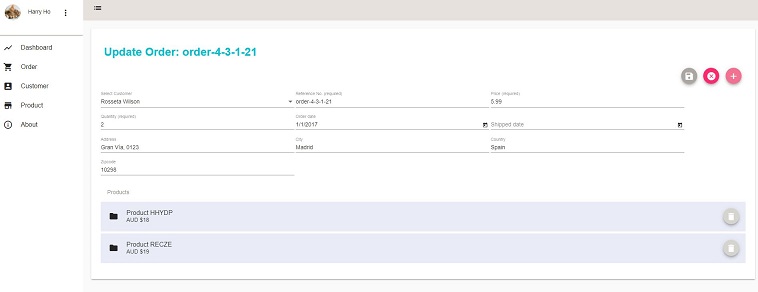
Browse Repository#
Alternatives#
There are two similar projects respectively built on the Vue.js and React. If you have interests in those technical stacks. You can find and clone those projects below.